3.1 AI Providers
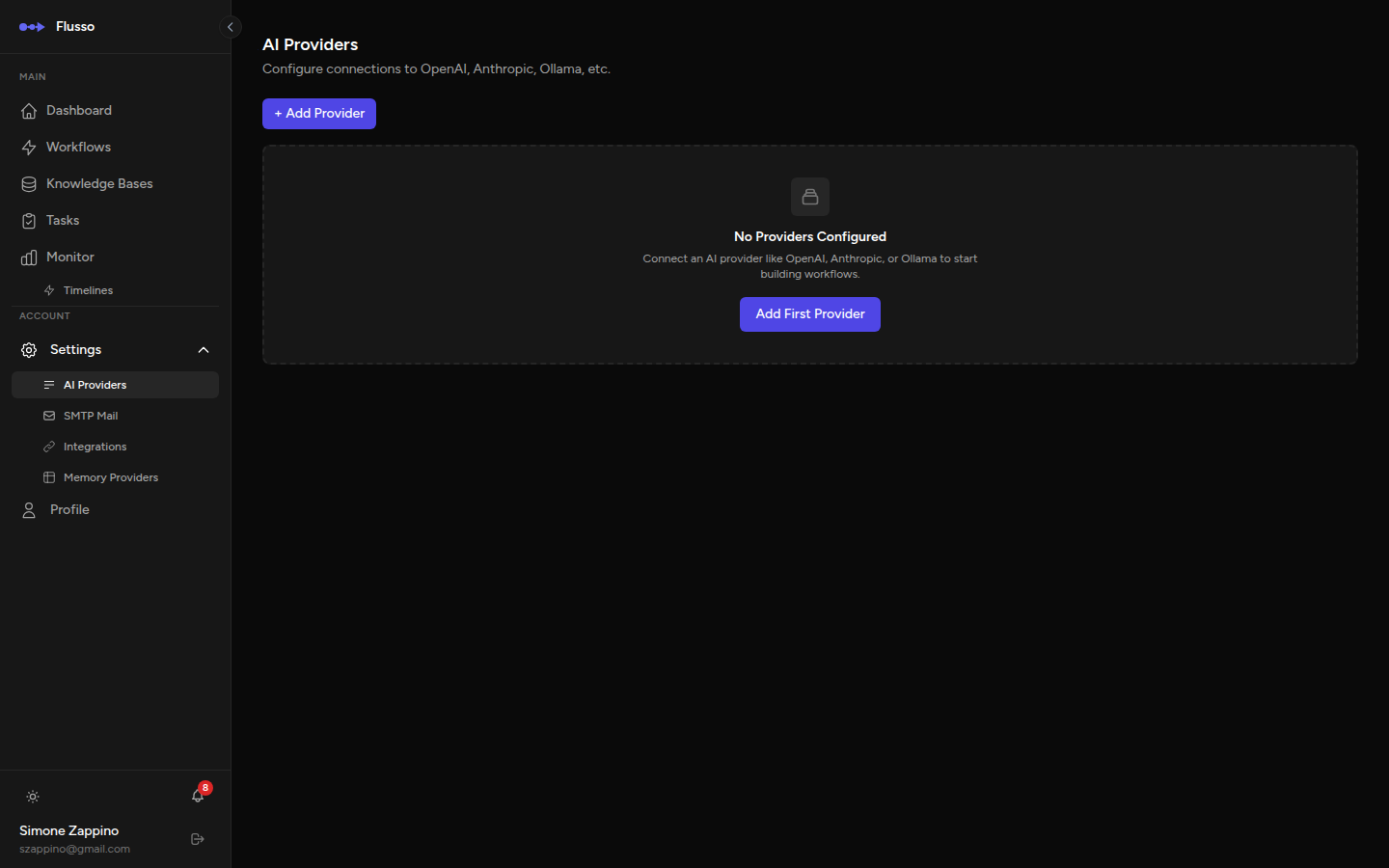
AI Providers are the connections to large language model services that power the Agent, Schema Extractor, Image Generation nodes, and AI Voice Call questionnaires. You must configure at least one provider before using any AI-powered node in your workflows.
Supported Providers
| Provider | Driver name | Notes |
|---|---|---|
| OpenAI | openai |
GPT-4o, GPT-4 Turbo, o1, and all OpenAI API models. |
| Anthropic | anthropic |
Claude 3, Claude 3.5, Claude 4 model families. |
| Ollama | ollama |
Self-hosted local models. Point the Base URL to your Ollama instance. |
| Any OpenAI-compatible API | openai |
Works with Groq, Together AI, LM Studio, etc. Set the Base URL to the endpoint. |
Adding a Provider
-
Open AI Providers settings Navigate to Settings → AI Providers in the sidebar.
-
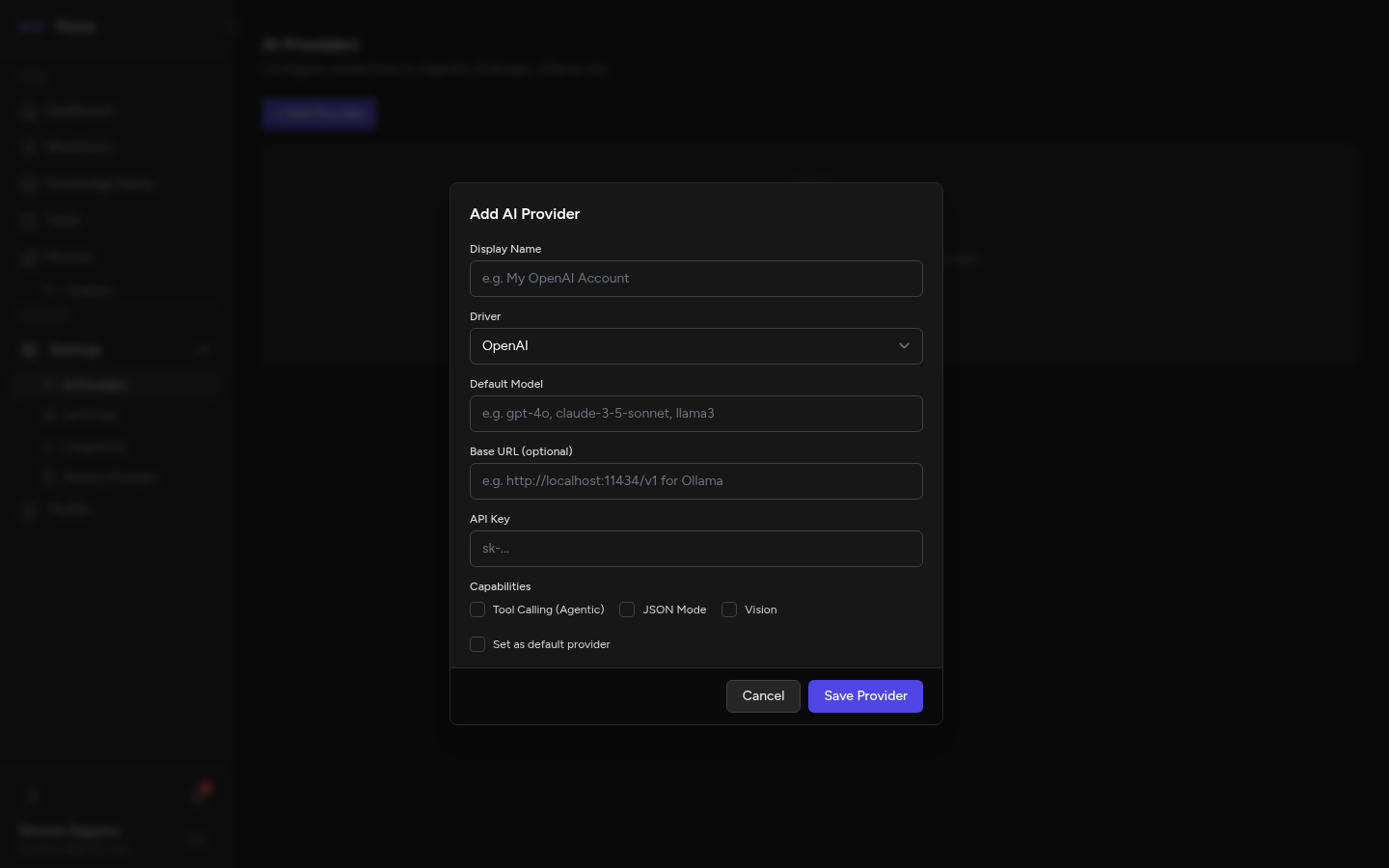
Click "New Provider" A modal form slides open on the right side of the screen.
-
Fill in the provider details Complete the fields as described in the table below.
-
Save Click Save Provider. The new provider will appear in the list immediately.
Provider Fields Reference
| Field | Required | Description |
|---|---|---|
| Provider Name | Required | A human-readable label for this provider (e.g. "OpenAI Production", "Local Ollama"). This name appears in node configuration dropdowns. |
| Driver | Required |
The API format this provider uses. Choose openai for OpenAI and compatible
APIs, anthropic for Anthropic, or ollama for Ollama.
|
| Base URL | Optional |
Override the default API endpoint. Required for self-hosted models (Ollama) or
third-party compatible APIs (e.g. http://localhost:11434 for Ollama).
Leave blank for standard OpenAI or Anthropic endpoints.
|
| API Key | Conditional | Your secret API key. Required for cloud providers (OpenAI, Anthropic). Not required for local Ollama instances running without authentication. The key is stored encrypted. |
| Default Model | Required |
The model identifier that will be pre-selected when you add a new AI node and choose
this provider. Examples: gpt-4o, claude-sonnet-4-6,
llama3.2.
|
| Set as Default | Optional | When checked, this provider is automatically selected in new Agent nodes. Only one provider can be the default at a time; toggling another provider as default will unset the previous one. |
Capabilities
Each provider can declare which capabilities it supports. Capabilities appear as checkboxes in the provider form and as badges on provider cards.
| Capability | Description |
|---|---|
| Tool Calling | The model can invoke external tools/functions. Required for Agent nodes that use tools. |
| JSON Mode | The model can produce structured JSON output. Used by Schema Extractor and some Agent nodes. |
| Vision | The model can process images. Required for image-related workflows. |
| Voice | The model is suitable for voice call questionnaires. When checked, additional voice-specific configuration fields appear (see below). |
Voice Capability Settings
When the Voice capability is enabled, an additional configuration section appears in the provider form. These settings control how the provider behaves when used for AI Voice Call questionnaires.
| Field | Description |
|---|---|
| Voice Model | The model to use for voice answer classification. Defaults to the provider's default model if left blank. Consider using a fast model (e.g. gpt-4o-mini) for lower latency. |
| Supports Realtime | Whether this provider supports native audio I/O (e.g. OpenAI Realtime API). For future use — currently all voice processing uses Twilio for speech. |
| Transcription Strategy | twilio (default) — Twilio handles speech-to-text. provider — reserved for future native transcription. |
| Synthesis Strategy | twilio (default) — Twilio handles text-to-speech. provider — reserved for future native synthesis. |
| Parsing Mode | How the AI classifies spoken answers: classifier_prompt (default, uses a classification prompt), direct_structured, or hybrid. |
| Default Turn Timeout | Default seconds to wait for caller response before re-prompting. Can be overridden per questionnaire in the Voice Call channel settings. |
Editing & Deleting Providers
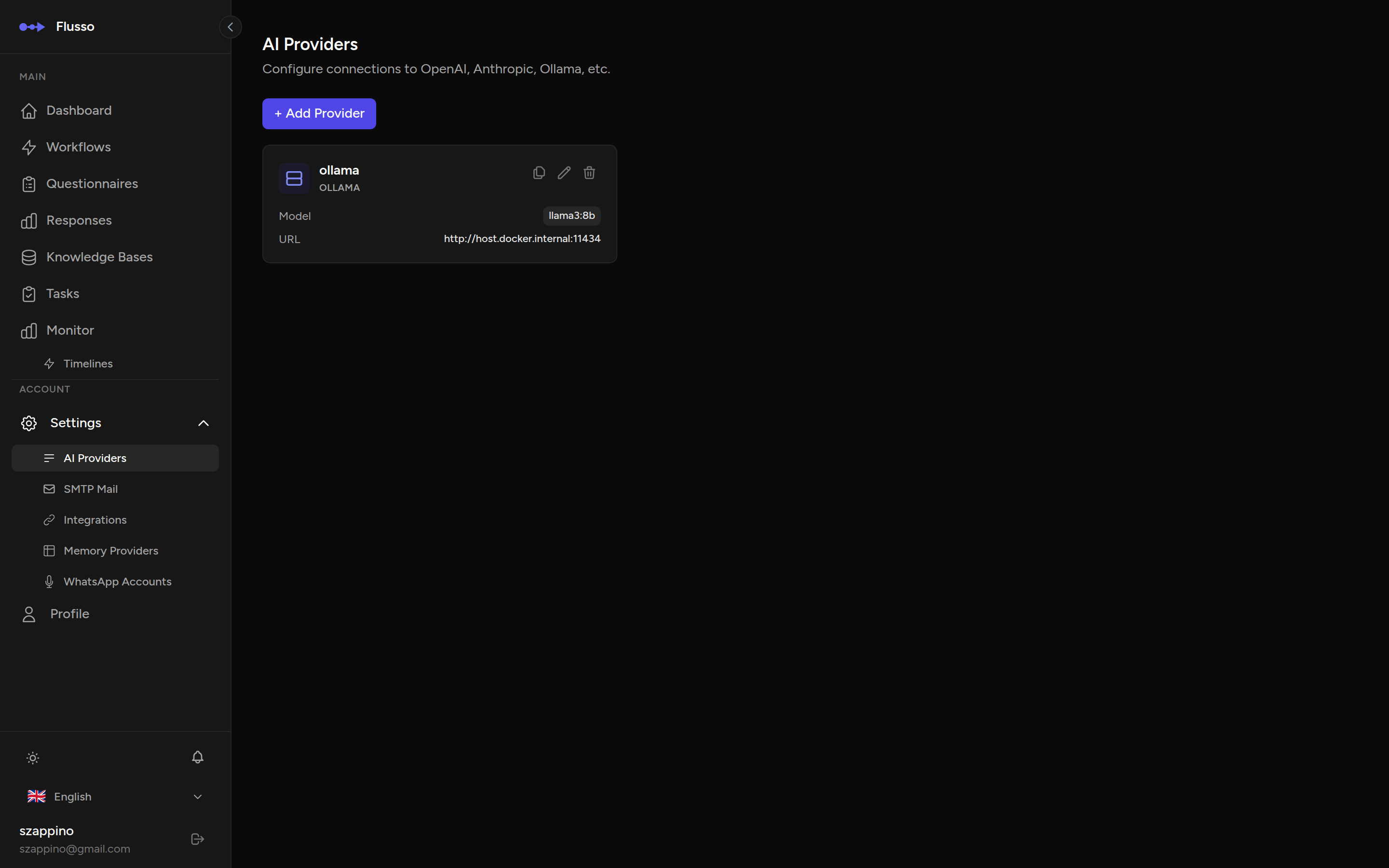
To edit a provider, click the Edit (pencil) icon next to it in the list. The same form opens with existing values pre-filled. Change any field and click Save Provider.
To delete a provider, click the Delete (trash) icon. A confirmation prompt will appear. Note that deleting a provider will not remove it from existing workflow node configurations — those nodes will simply fail to execute until you update them with a valid provider.
Common Setup Examples
OpenAI
- Driver:
openai - Base URL: (leave blank)
- API Key: Your key from platform.openai.com → API Keys
- Default Model:
gpt-4o
Anthropic Claude
- Driver:
anthropic - Base URL: (leave blank)
- API Key: Your key from console.anthropic.com → API Keys
- Default Model:
claude-sonnet-4-6
Local Ollama
- Driver:
ollama - Base URL:
http://localhost:11434(adjust for your host) - API Key: (leave blank)
- Default Model:
llama3.2(or any model you have pulled)